Greggs Click and Collect —How Does It Work? UK 2026

Queue skipping. Fresh bakes. Zero faff. I’ve been using Greggs Click + Collect regularly and here’s everything you need to know — from downloading the app to walking out with your order in hand.
I used to queue at Greggs for five minutes just to grab a porridge and a coffee — every single morning. Then I discovered Click + Collect and honestly, I’ll never go back. You order ahead on the app or website, pick your time slot, and walk straight to the counter. No queue. No waiting. Just freshly baked stuff, ready when you are. Here’s the full 2026 guide on how it works.
📦 What Is Greggs Click + Collect?
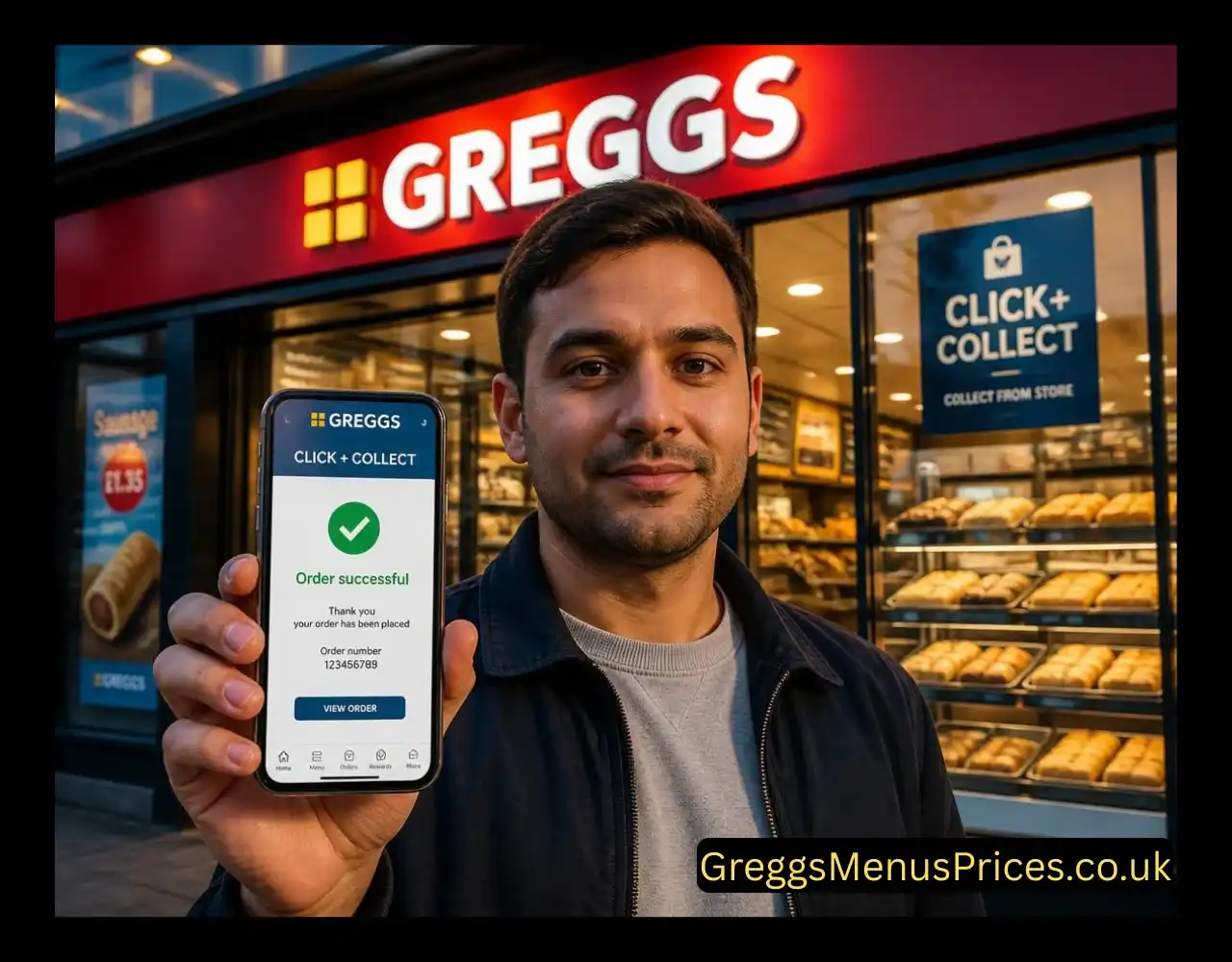
Greggs Click + Collect is Greggs’ free order-ahead service that lets you browse the full menu online, pay in advance, and pick up your food at a chosen store during a specific 5-minute time slot. It’s available via the Greggs App (the easiest route) or directly through the Greggs website — and it works at over 2,600 UK stores in 2026.
Check out Greggs Discounts & Deals 2026
🪜 How to Use Greggs Click + Collect — Step by Step
It takes under two minutes to place an order. Here’s exactly what to do:
Check out Greggs v/s Pret Meal Deal
⚖️ Click + Collect vs In-Store vs Delivery
Not sure which way to order? Here’s a quick side-by-side to help you decide.
| Feature | Click + Collect | Walk-In (In Store) | Just Eat / Uber Eats |
|---|---|---|---|
| Skip the queue | ✅ Yes | ❌ No | ✅ Yes |
| Earn loyalty stamps | ✅ Yes (when logged in) | ✅ Yes (scan QR) | ❌ No |
| Delivery charge | ✅ Free | ✅ Free | ❌ Fee applies |
| Redeem rewards | ✅ Yes | ✅ Yes | ❌ No |
| Pay with Wallet | ⚠️ Full amount only | ✅ Part-pay supported | ❌ No |
| Change order after placing | ❌ No | ✅ Yes | ⚠️ Varies |
| Protein info on menu (2026) | ✅ Selected items | ⚠️ In-store signage | ⚠️ Varies |
Rewards tip: Every Click + Collect order you place while logged in earns you loyalty stamps across 6 categories (sandwiches, sweet treats, bakes, hot food, hot drinks, cold drinks). Get 9 stamps in any category and the 10th item is free. That’s basically getting paid to skip the queue.
Check out Greggs Meal Deals
❓ Frequently Asked Questions
Quick answers to everything people actually search about Greggs Click + Collect in 2026.
No — you can use greggs.co.uk on your browser instead. But the app is by far the easiest option. It has the Shop Finder built in, saves your payment details, and automatically adds loyalty stamps to your account with every order. The app is free on both iPhone (App Store) and Android (Google Play).
Unfortunately, no — once an order is placed you can only collect the original items. Greggs states this is to ensure smooth service and queue management in stores. However, placing a new separate order is quick and easy, so just add any extra items as a second order if needed.
You can pay using a credit or debit card or your Greggs App Wallet balance. One important thing — if you use your Wallet balance for Click + Collect, it must cover the full order amount. Unlike paying in store, part-payment is not available on Click + Collect orders.
Yes! As long as you’re logged into your Greggs account when you place the order, stamps are added automatically. This applies whether you order via the app or the website. Stamps do not apply to orders placed through Just Eat or Uber Eats — only in-store or Click + Collect.
The 5-minute slot system exists to control customer flow in stores — making sure your food is fresh and ready when you arrive, and that staff aren’t overwhelmed with simultaneous collections. It also helps Greggs guarantee a smooth, queue-free experience for Click + Collect customers.
Completely free. There are no service charges, booking fees or delivery fees on Click + Collect orders. You just pay for the food itself, the same price as walking into any store. This makes it significantly cheaper than using third-party delivery apps like Just Eat or Uber Eats, which add their own fees on top.
Check out Greggs Freebie codes
Bottom Line: Totally Worth It
Greggs Click + Collect is one of the most underrated features in UK food. It’s free, quick to set up, earns you loyalty stamps, and genuinely saves you time every single day. Download the app, book a slot, and walk out with your bakes while everyone else is still in the queue. Once you try it, you won’t go back to waiting.